Webgrade
Get a Quote

Client Portal  /  Modules

Modules for your website.

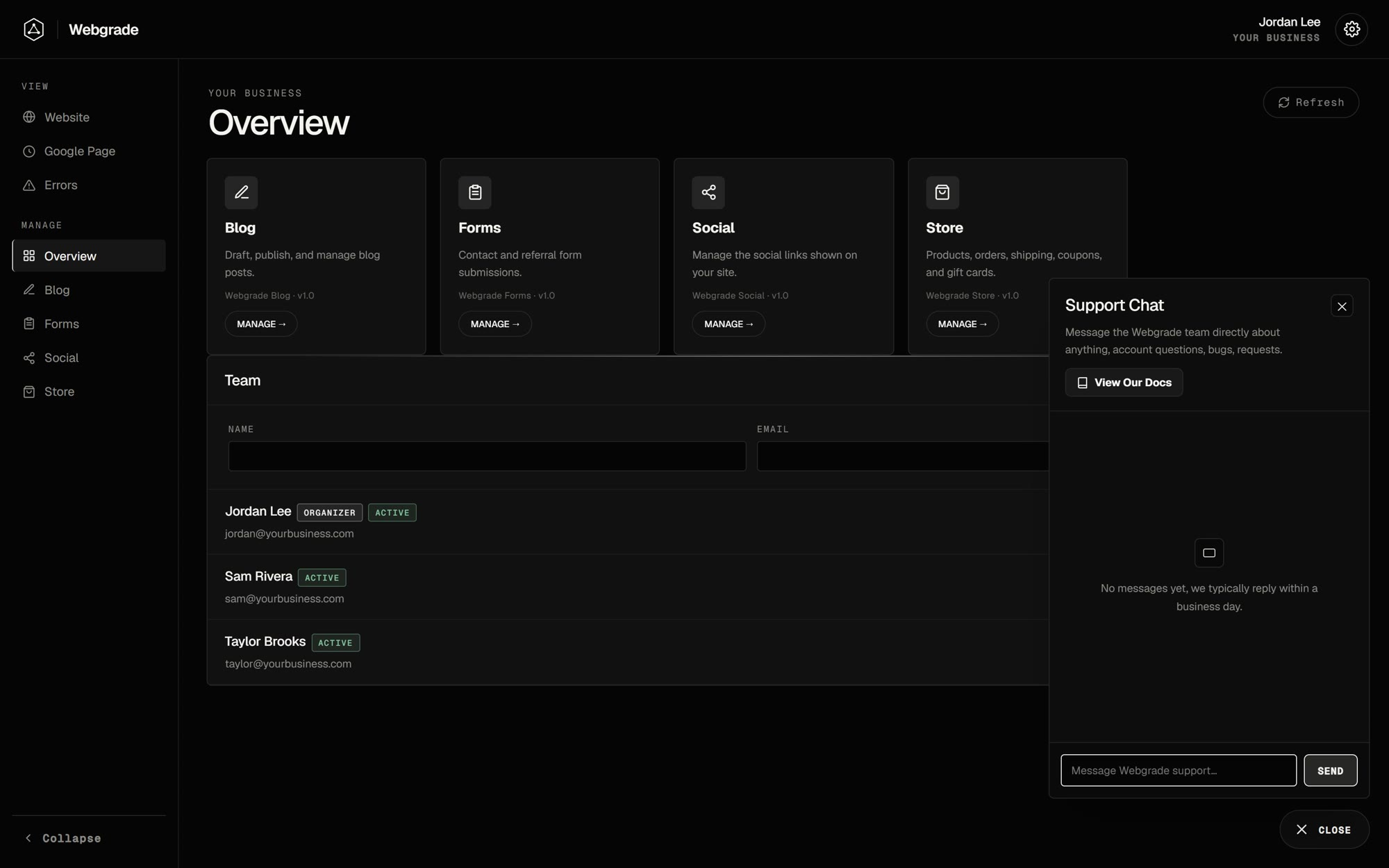
The Webgrade Client Portal is built from modules. Each one is switched on for your organization when you need it, and Webgrade builds custom modules around the way your business works.

01View

Site Analytics

See how your site is doing without leaving the portal.

  • Pageviews and clicks, with the change against the previous period
  • Switch between every site you have tracked
  • Top pages and top clicked buttons and links
  • Ranges from today to the last 180 days, plus a CSV download
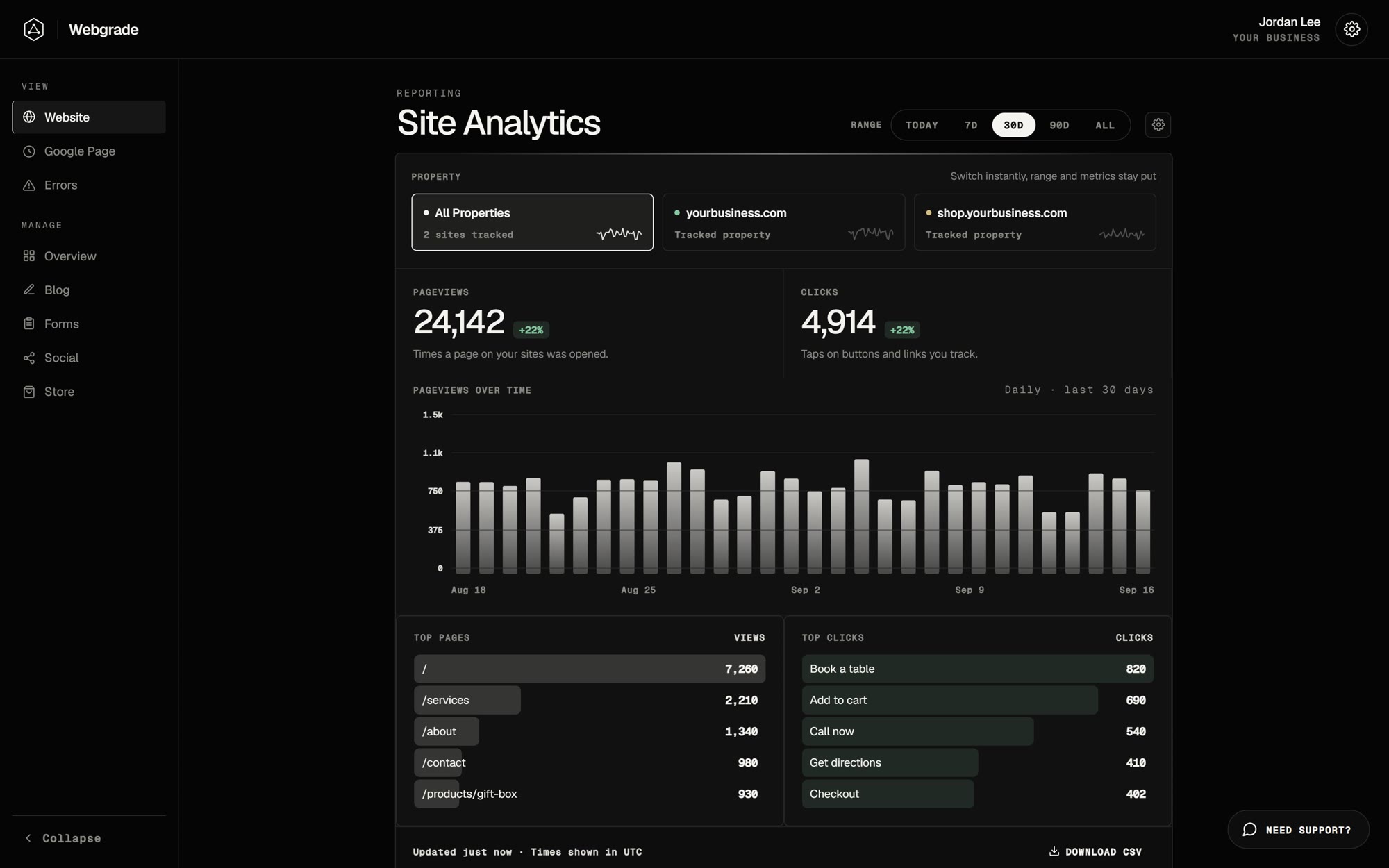
Site Analytics module in the Webgrade Client Portal
Example with sample data

02Manage

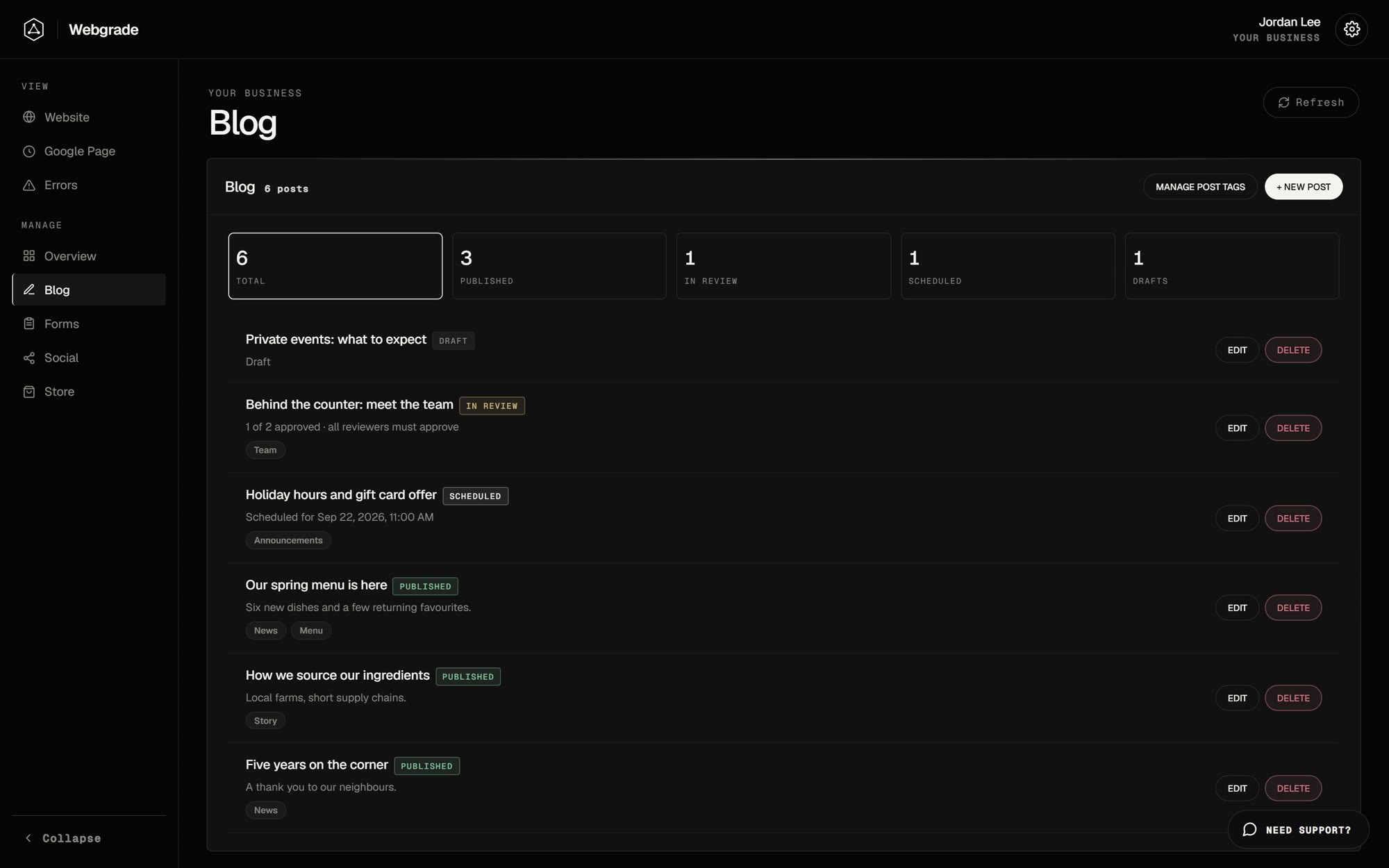
Blog

Write, schedule and publish posts to your site.

  • Drafts, scheduled, in review and published, filterable at a glance
  • Send posts to reviewers, with an optional auto-approve deadline
  • Cover images and your own tag palette
Blog module in the Webgrade Client Portal
Example with sample data

03Manage

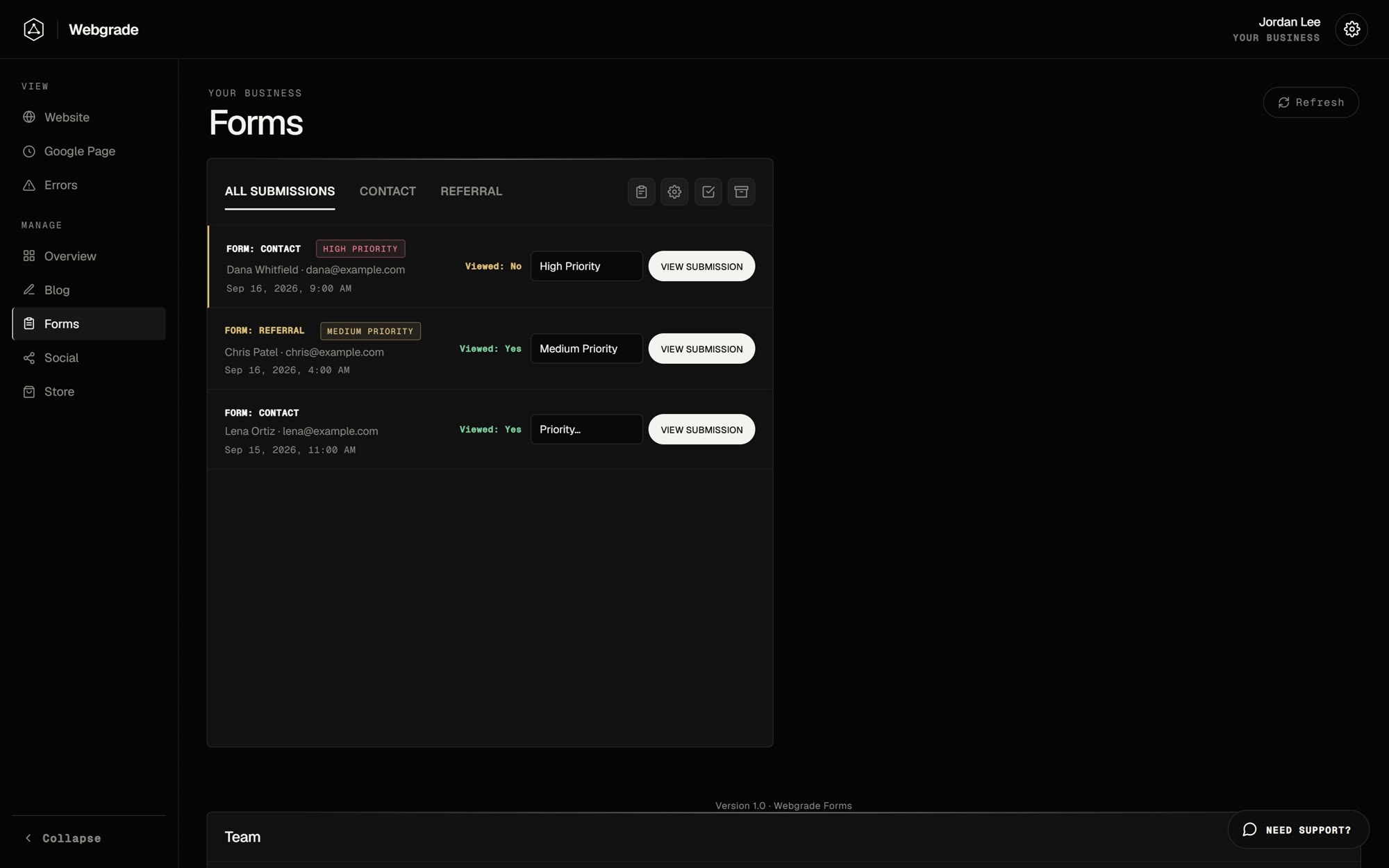
Forms

Every contact and referral submission from your site, in one place.

  • Priority, internal notes and archive
  • An activity log of who viewed or changed each submission
  • Email notifications per form
  • Save any submission as a PDF
Forms module in the Webgrade Client Portal
Example with sample data

04Manage

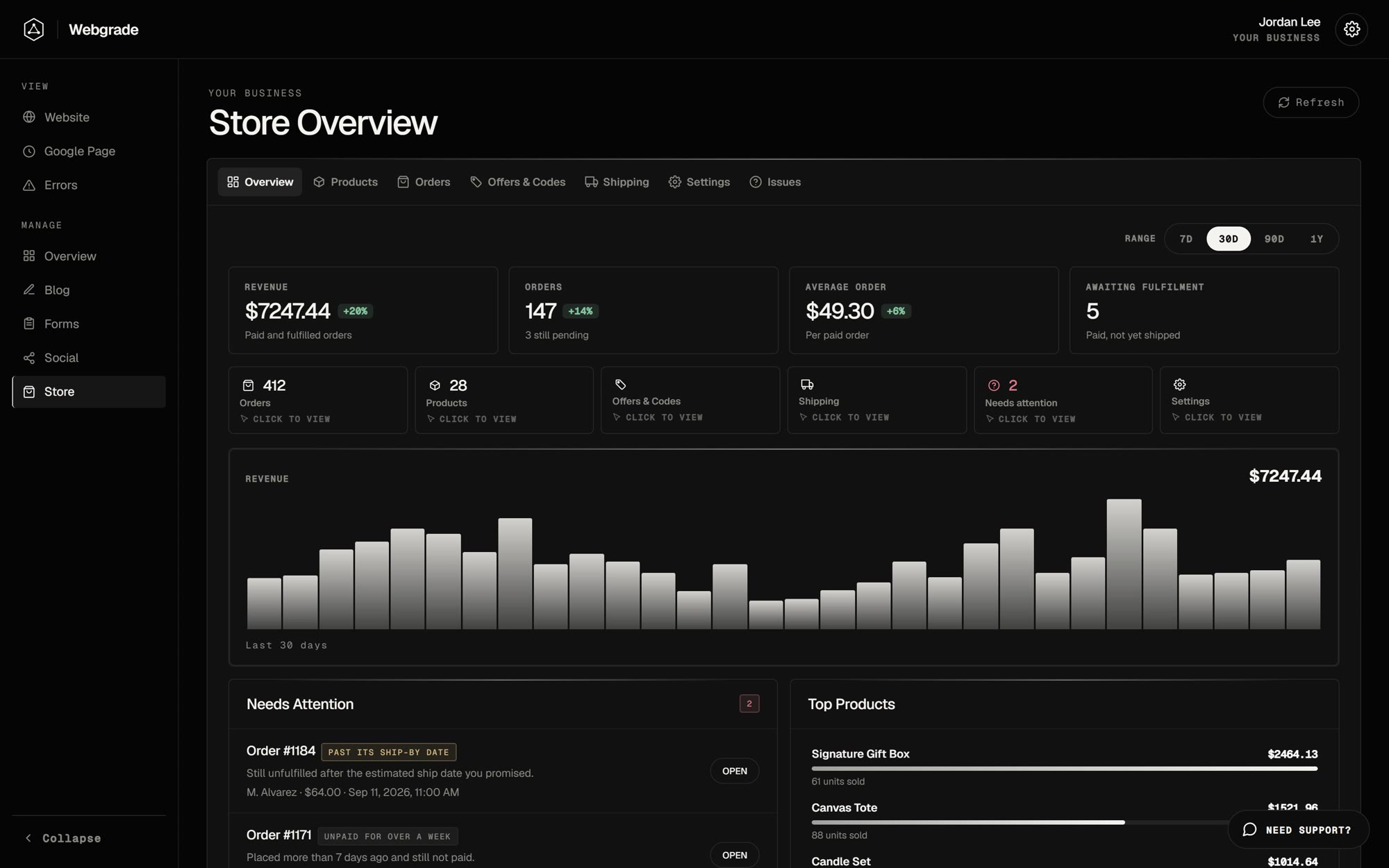
Store

Run your online store’s catalog and orders.

  • Revenue, orders, average order and anything that needs attention
  • Products with color and size variants and photo sets
  • Orders with tracking, plus your own shipping options
  • Coupons and gift cards
Store module in the Webgrade Client Portal
Example with sample data

05Manage

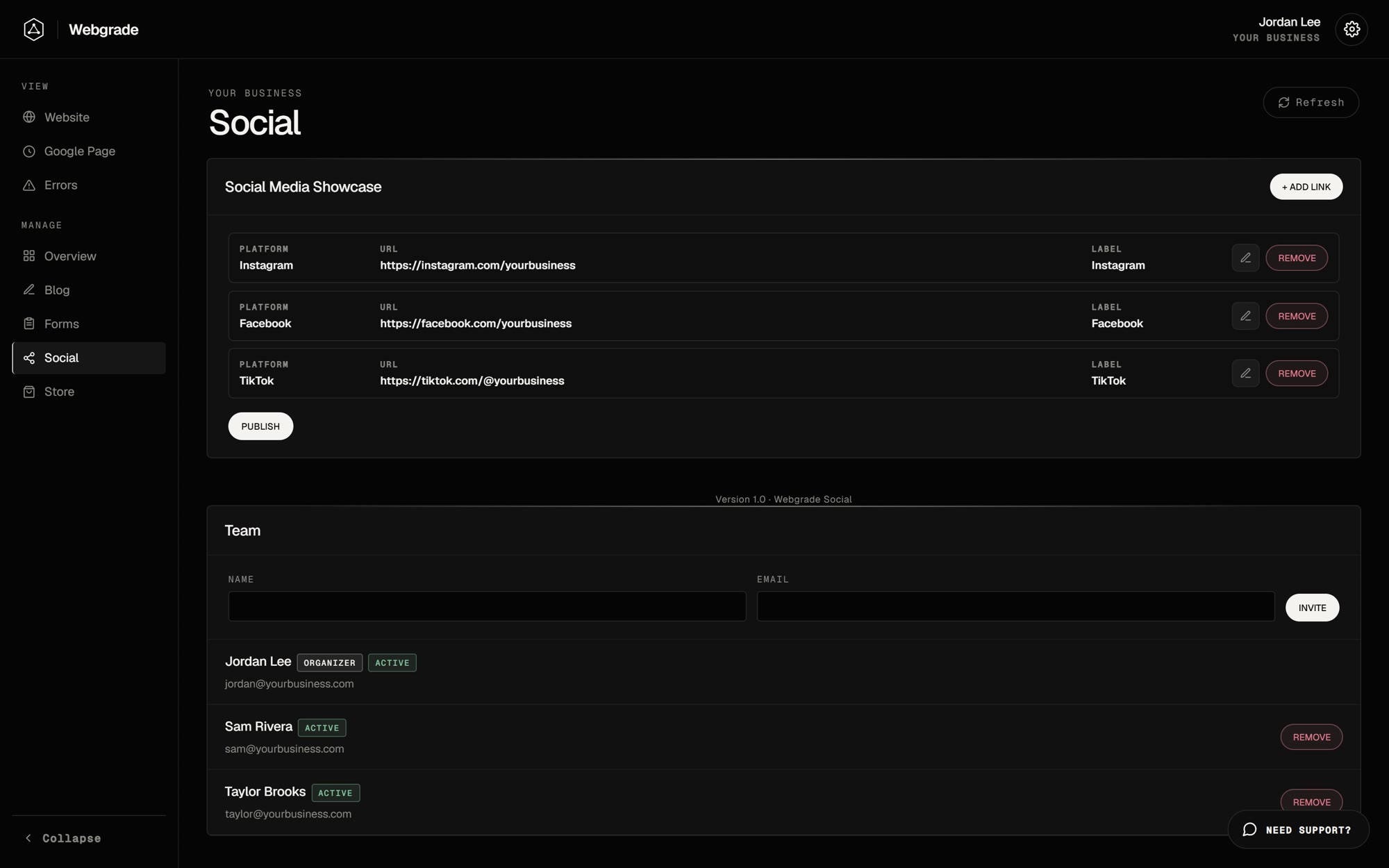
Social

Keep the social links on your site current.

  • Add, edit or remove links across 13 platforms
  • Changes publish to your site without a redeploy
Social module in the Webgrade Client Portal
Example with sample data

06Built in

Support chat

Message the Webgrade team from any page of the portal.

  • One thread with the team, available everywhere
  • Unsent messages are kept as drafts
  • Portal docs one click away
Support chat in the Webgrade Client Portal
Example with sample data

07Built in

Account & security

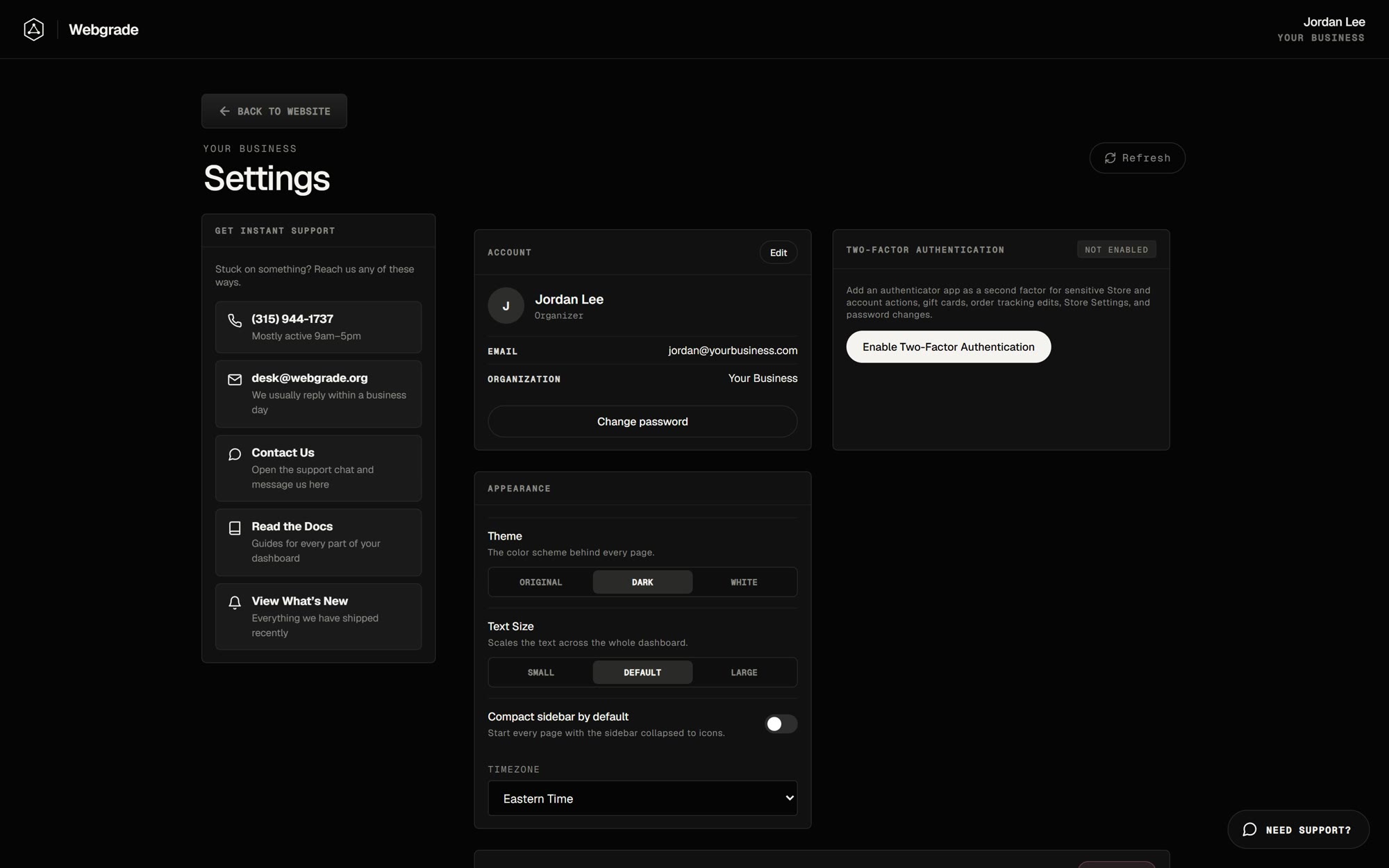
Sign-in protection and settings for every person on your team.

  • A one-time code by email on every sign-in
  • An optional authenticator app for sensitive actions
  • Active sessions, with the option to sign out everywhere
  • Dark and white themes and adjustable text size
Account settings in the Webgrade Client Portal
Example with sample data

08Custom modules

Need something the portal doesn’t have?

Webgrade builds custom tools and workflow automation around your business, and can add them to your portal as their own module.

Already a client? Request modules with your Webgrade sales rep. Modules are switched on per client.